A loop station for your Mac, with a built-in drum machine and an Audio Unit effects chain. Play it with two footswitches, the keyboard or any MIDI controller.
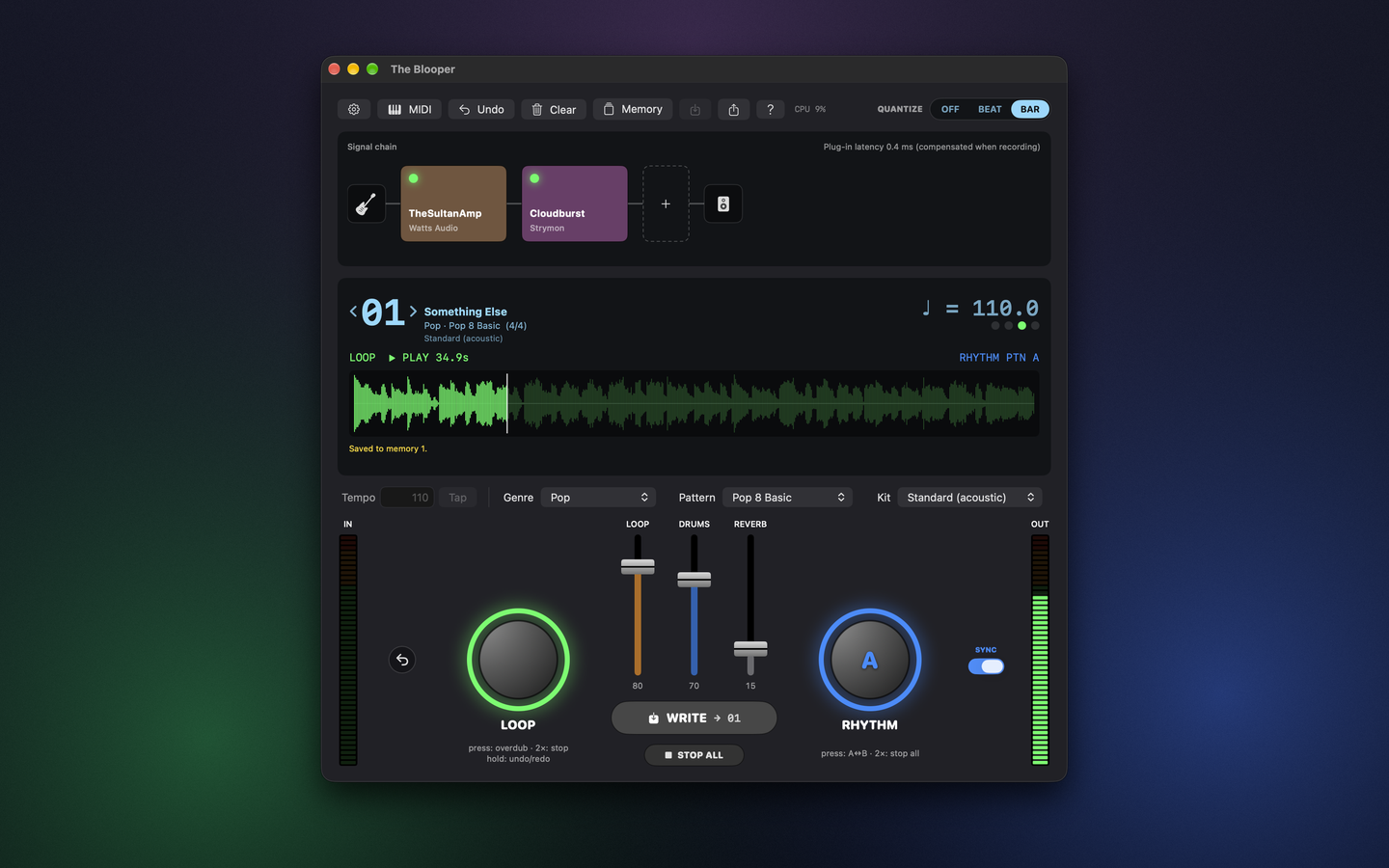
TheBlooper was vaguely inspired by the BOSS RC-10R pedal on my board. I wanted the same idea on the Mac: one switch for the loop, one for the drums, and my own plug-ins in front of it all. Record a loop, overdub on top, bring in a drum pattern, and save the whole thing to one of 99 memories for next time.
Looper
Record, play and overdub, with undo and redo of the last overdub. Choose REC → PLAY → DUB or REC → DUB → PLAY, and quantize presses to the beat or the bar.
Drum machine
229 styles in 26 genres, from rock, blues and funk to jazz, Latin, metal, electronic and odd meters. Every style has an intro, patterns A and B with fills, and an ending.
Effects chain
Input gain and noise gate, any number of Audio Unit effects, and output gain. Drag to reorder, click to bypass. Plug-in latency is compensated when recording.
Play it with your feet
Two big switches do everything. LOOP records, plays and overdubs; a double press stops it, and holding it undoes the last overdub. RHYTHM starts the drums and switches between patterns A and B, with a fill on the way.
Turn on SYNC and one press plays a 1-bar count-in, then starts the drums and the loop recording together. You pick the drum kit too: Standard, Power, Electronic, TR-808, Jazz, Brush or Orchestra, or load your own SF2 / DLS SoundFont.
| Switch | Press | Double press | Hold |
|---|---|---|---|
LOOP (left · Z) | Record → play → overdub | Stop the loop | Undo / redo (playing) · Clear (stopped) |
RHYTHM (right · X) | Start drums · switch A ↔ B | Stop drums (now, end of bar, or fill + ending) | — |
Use the MIDI controller you already have
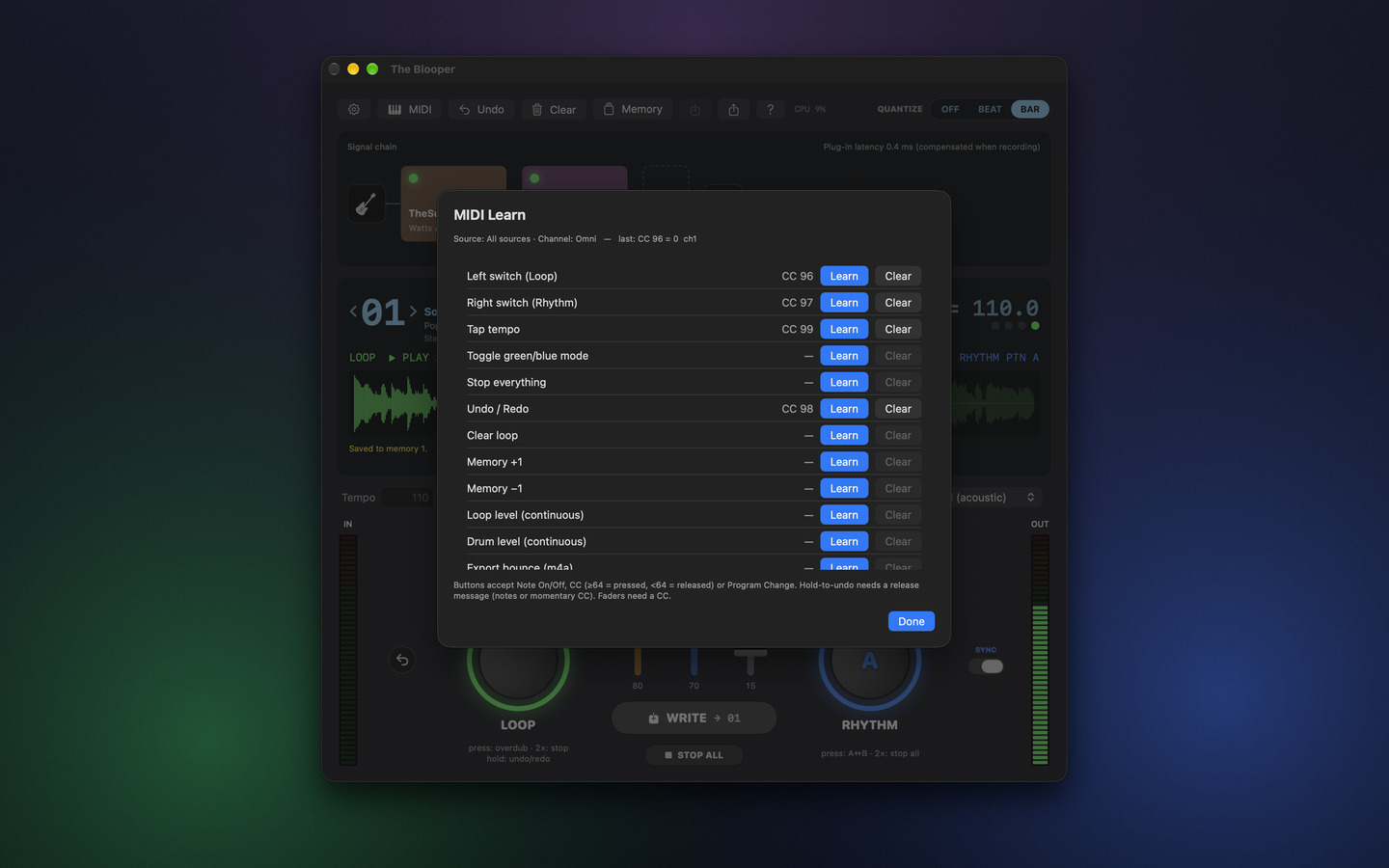
MIDI Learn maps notes, CCs or program changes to the switches, tap tempo, SYNC, stop all, undo, clear, memory ±1 and export. CCs can also drive the loop and drum levels, so an expression pedal works as a fader. It even copes with pedals that only ever send 127.
Built around your audio interface
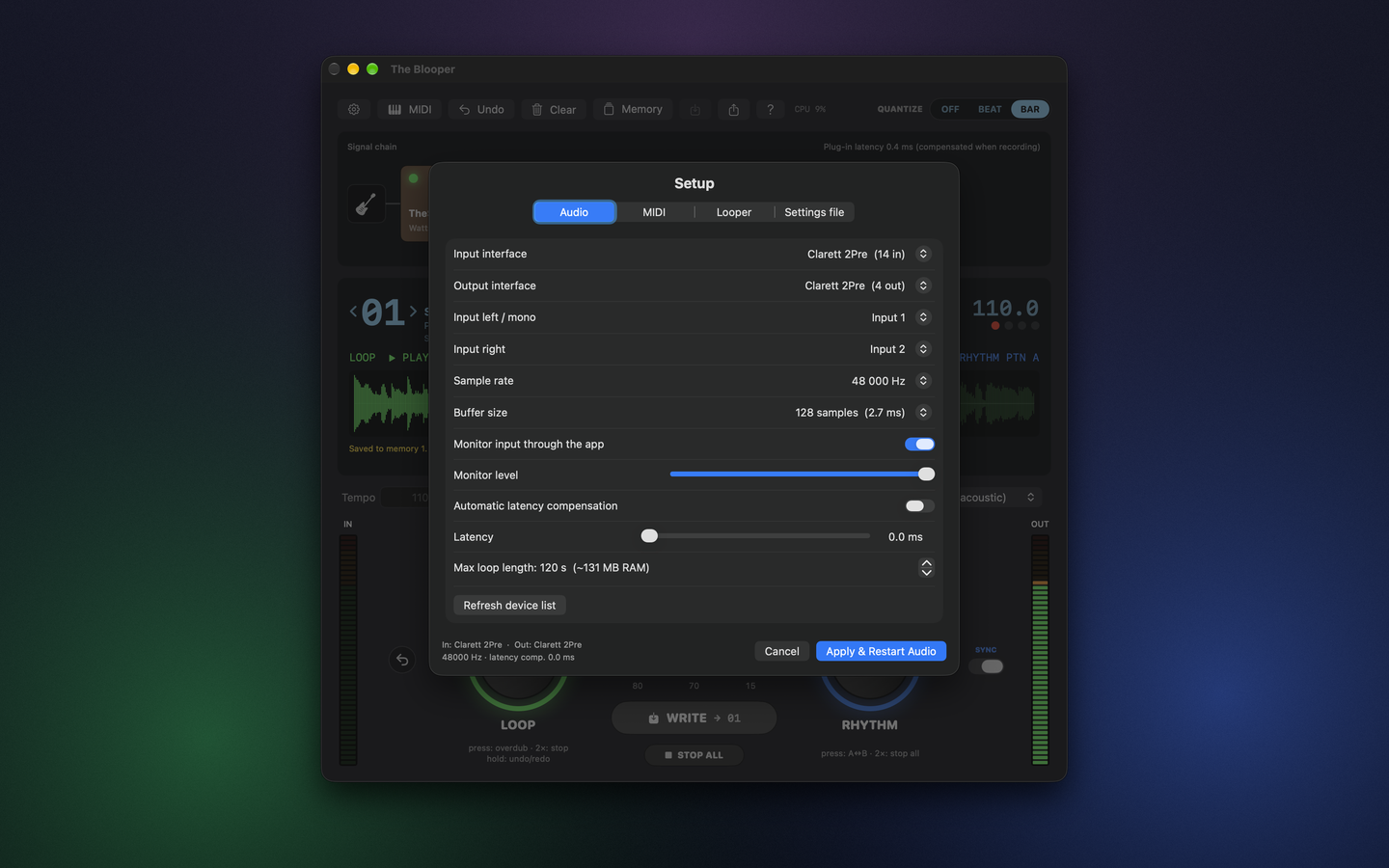
Pick the input and output interfaces, the input channels, mono or stereo, the sample rate and the buffer size. If you use two different interfaces, TheBlooper builds a private aggregate device with drift correction for them. Latency compensation lines up your loops with what you actually heard.
Make it behave like your pedal
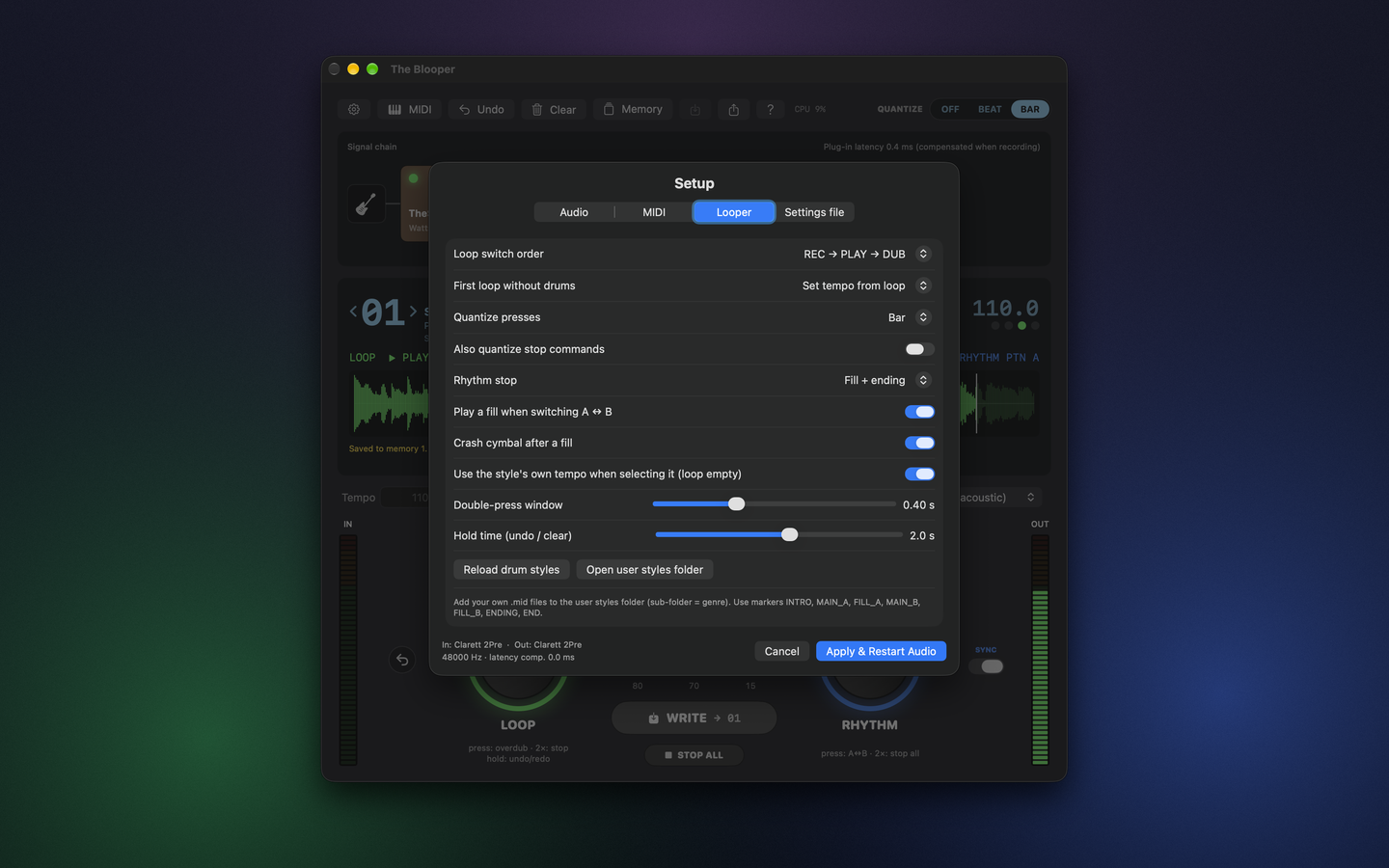
Set the switch order, what happens to the first loop when the drums are off, how the rhythm stops, whether to play a fill and a crash when switching patterns, and how fast a double press or a hold has to be.
Want your own grooves? A drum style is just a MIDI file with a few markers (INTRO, MAIN_A, FILL_A, MAIN_B, FILL_B, ENDING, END). Make one in any DAW and drop it in the user styles folder.
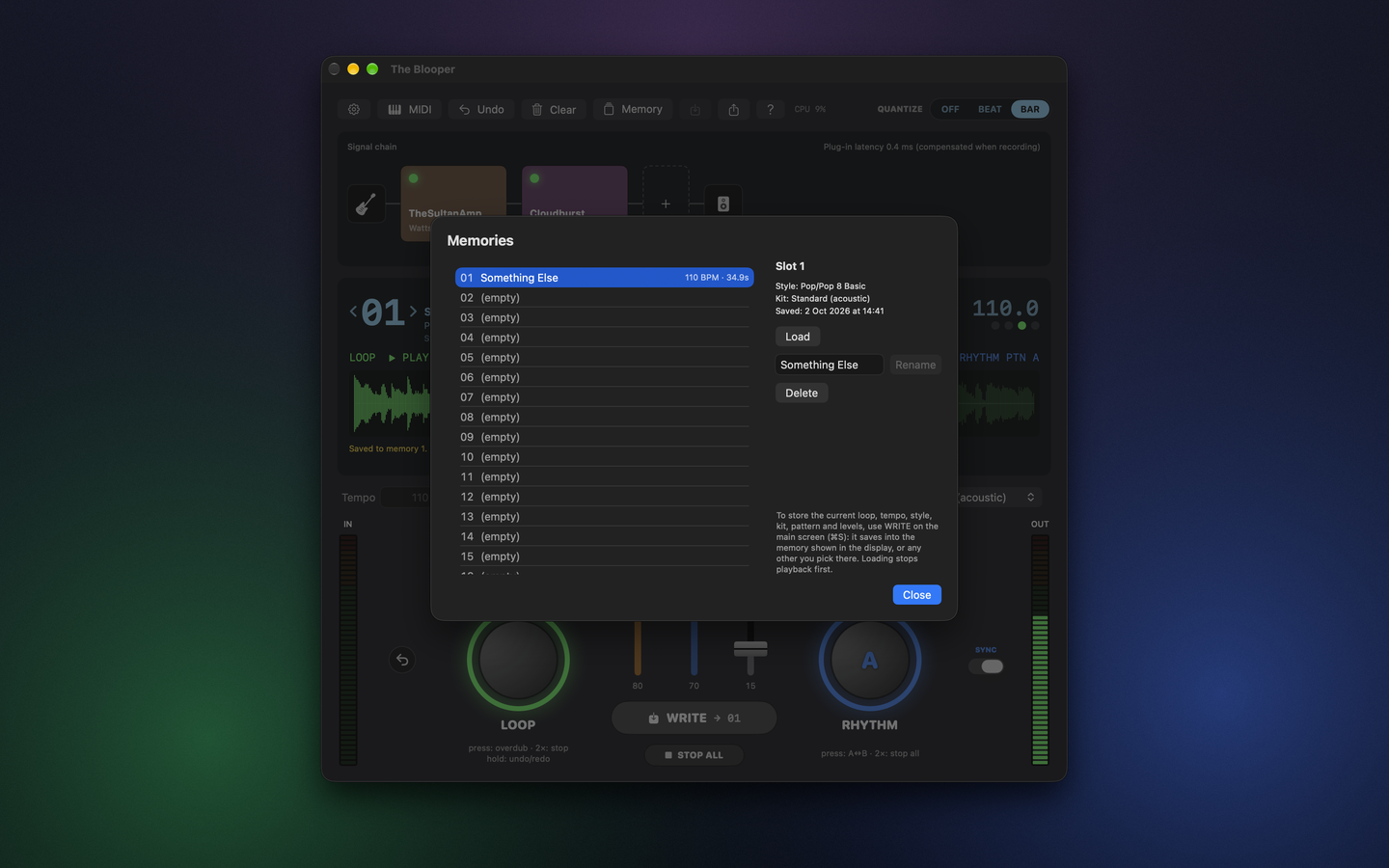
99 memories
Each memory stores the loop, tempo, style, pattern, kit, levels and SYNC mode. Write with ⌘S, step through them from a MIDI pedal, and rename or delete them in the Memory window.
Import and export
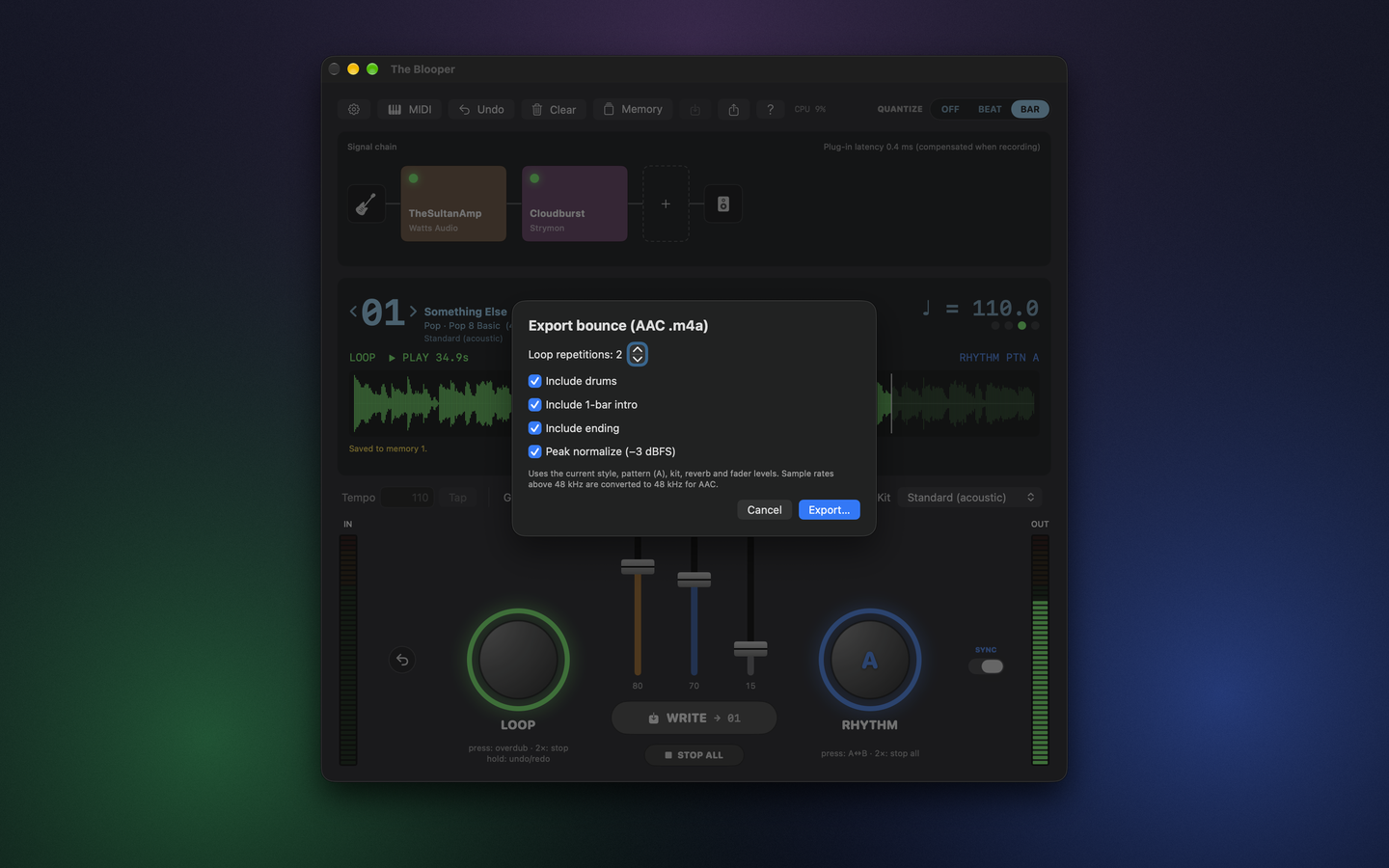
Import an AIFF, WAV, M4A or CAF file into a loop. When the take is a keeper, bounce it to an AAC .m4a: the loop with or without drums, with an intro and an ending, repeated as many times as you like, with optional peak normalization.
Every control explained
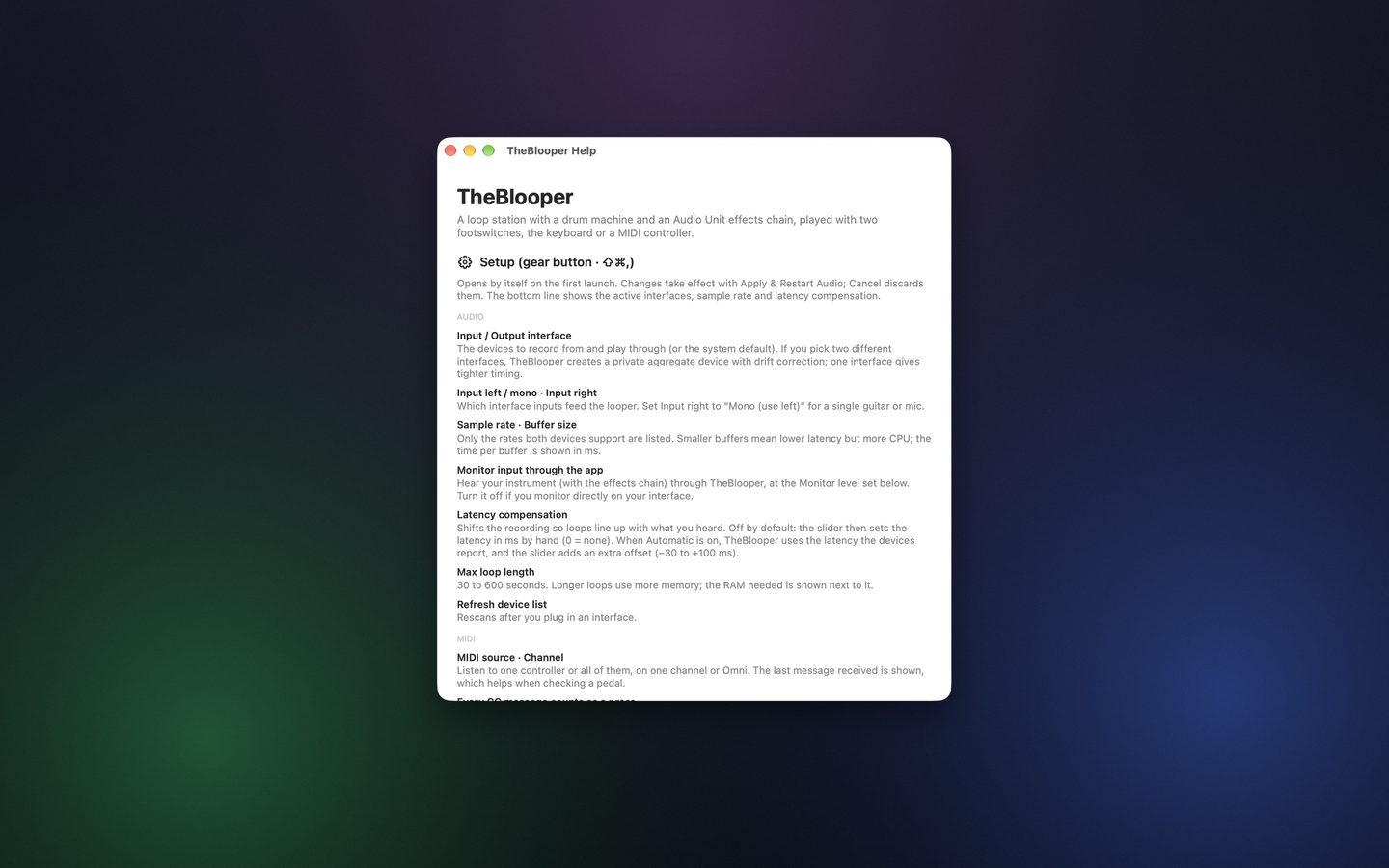
The Help window (⌘?) explains every setting and switch in the app. Keyboard shortcuts cover the essentials:
Z / X | LOOP / RHYTHM switch |
T | Tap tempo |
M | Toggle SYNC |
⌘S | Write memory |
⌘. | Stop everything |
⇧⌘Z | Undo / redo loop |
⇧⌘, | Audio & MIDI setup |
Questions
Which footswitch do I need?
Any MIDI footswitch or controller that sends notes, CCs or program changes. You can also play it with the Z and X keys, no pedal needed.
Can a plug-in crash take down my loop?
No. Every plug-in runs in its own process, hosted by macOS, so if it crashes, TheBlooper and your loop keep going.
How long can a loop be?
From 30 seconds up to 10 minutes. You set the maximum in Setup, which also shows how much memory it needs.
Is it open source?
Yes. The source code will be on GitHub under the MIT License.
Requirements
- macOS 13 Ventura or later
- An audio interface (or the built-in microphone)
- Optional: a MIDI footswitch or controller